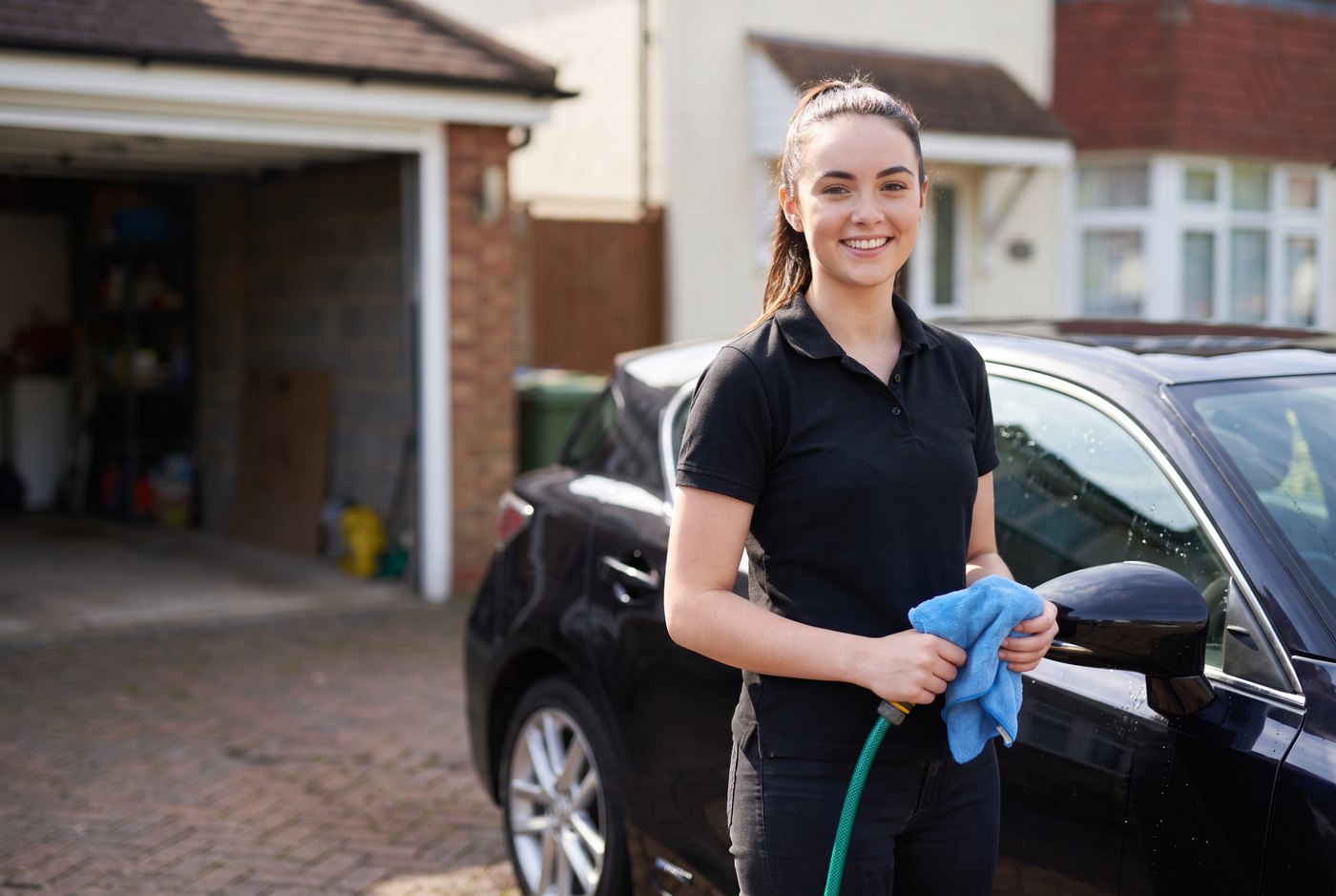
Wet hands and a pressure washer
Halfway through a valet with the pressure washer going, you cannot answer, and a customer who wants their car done this week rings someone else. Tilly answers every call in your business name, day and night, and books them in or takes the details for you.
What she asks
- What they would like: a wash, a full valet, an interior clean or a detail.
- The make and model, and anything you should know, such as pet hair or child seats.
- Whether you go to them, and if so where the car will be, or whether they will bring it to you.
- A time that suits, from your Tilly diary on Pro and Business.
- Their name and the best number, read back to check.
Every message is emailed to you with a short summary.
Mobile valeting
When you go to the customer, the address matters. She takes where the car will be, at home or at work, and when a caller gives a postcode she checks where it is and how far it is from your base, and answers from the areas you cover.
Put the same on your Google Business Profile: the areas you cover, and every job you do with a line on what it involves. Here is how to add services to your Google Business Profile.
Bookings
On Pro and Business she books valets into your Tilly diary, once you switch booking on, and checks your Google, Outlook or Apple calendar first. List each service with how long it takes, so a full detail gets the time it needs. Choose whether each booking is confirmed straight away or sent to you to confirm. On Starter she takes every detail for you to call back.
Prices
If you publish prices, such as for a mini valet or a full valet by car size, add them and she quotes them in your words. Otherwise she says you will confirm a price.
Set up in plain English
There is no ready-made valeting set-up, so you start from our general one and add your services, prices, areas and the questions to ask, in plain English. When you sign up, choose "Any business" as your industry. We also have a page for mobile mechanics.