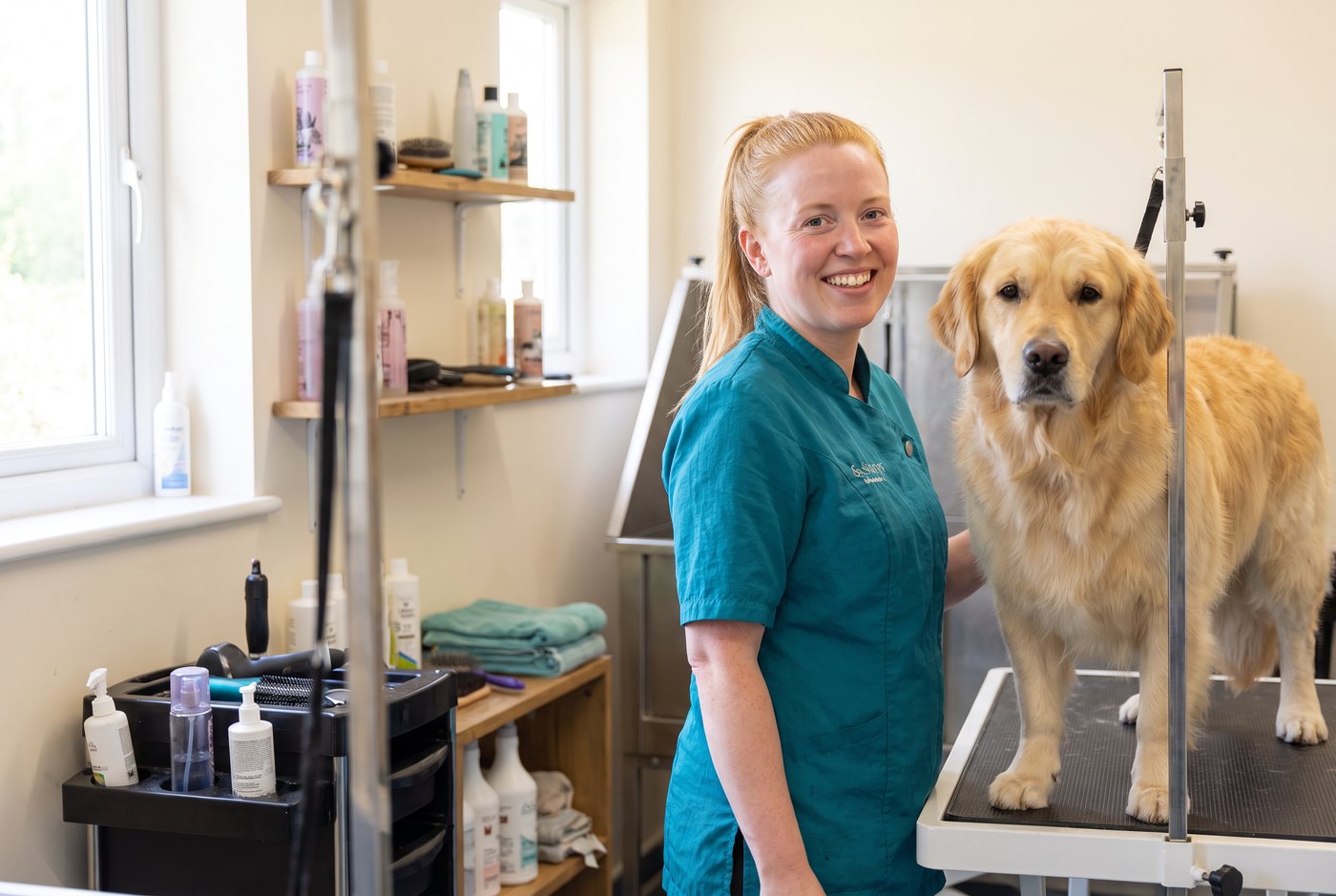
Wet dog, full diary, phone ringing
You cannot answer the phone with a soapy spaniel on the table, and you cannot leave a nervous dog alone to get to it. Calls go to voicemail, and owners book with whoever picks up. Tilly answers every call in your business name, day and night, and books them in or takes the details for you.
What she asks
- What they would like: a full groom, a bath and brush, a puppy introduction, nails or a tidy up.
- The dog's name, breed and size, if you ask her to.
- Whether the dog has been to you before.
- A time that suits, from your Tilly diary.
- Their name and the best number, read back to check.
Bookings into your diary
On Pro and Business she books appointments into your Tilly diary, built from your opening hours, and checks your Google, Outlook or Apple calendar first. You choose whether each booking is confirmed straight away or waits for you to confirm it from your phone. List your services with how long each takes, so a full groom for a big dog is not squeezed into a nail trim slot. On Starter she takes every detail for you to call back, and every message is emailed to you.
Changes and cancellations
When an owner wants to move or cancel, she takes their name, the appointment they have and what they would like, and sends it straight to you to update.
The questions owners ask
Your prices by breed or size, how long a groom takes, whether you take nervous or elderly dogs, and what to bring: add your answers in plain English and she uses your words. Anything she has not been told, she takes a message about.
Built on our salon set-up
Dog groomers start from the same set-up as our receptionist for salons, made for booking appointments by phone. When you sign up, choose "Hair, beauty and wellbeing" as your industry, then add your services, prices and policies.
Put the same on your Google Business Profile: every service you offer, with a line on what it includes. Here is how to add services to your Google Business Profile.